[Get the best value surveillance camera cables on Amazon today!]
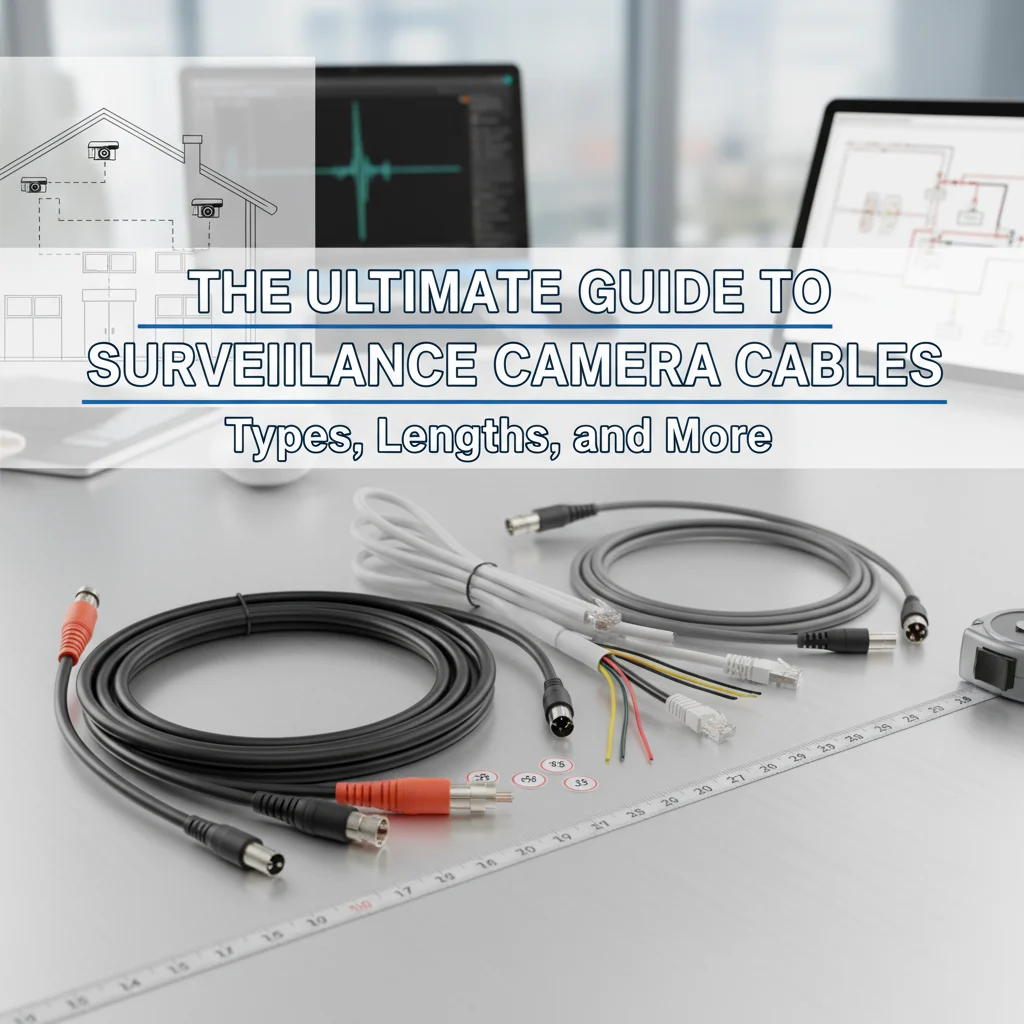
# The Ultimate Guide to Surveillance Camera Cables: Types, Lengths, and More
Are you setting up a surveillance system and feeling overwhelmed by the world of cables? Don’t worry, you’re not alone! Choosing the right surveillance camera cables can seem daunting, but it’s crucial for a reliable and effective security setup. This guide will walk you through everything you need to know about surveillance camera cables, from the different types available to choosing the right length for your specific needs. By the end of this article, you’ll be a surveillance cable expert, ready to power up your security system with confidence.
[Browse top-rated surveillance camera cables on Amazon]
## Understanding the Different Types of Surveillance Camera Cables
Choosing the right cable is crucial for optimal video quality and reliable power delivery. Let’s dive into the most common types of surveillance camera cables:
* **Siamese Cables (Coaxial with Power):** This is a popular choice because it combines both video transmission (using coaxial cable) and power supply into a single cable. This simplifies installation, as you only need to run one cable per camera. Siamese cables are typically used with analog CCTV cameras.
* **RG59 Siamese Cable:** The most common type of Siamese cable, often used for shorter distances (under 500 feet). It’s relatively inexpensive and easy to work with.
* **RG6 Siamese Cable:** Offers better signal quality and can handle longer distances than RG59. It’s a good choice for larger properties or situations where the camera is far from the DVR.
* **Ethernet Cables (Cat5e, Cat6):** Used with IP (Internet Protocol) cameras, these cables transmit both video and power (using Power over Ethernet, or PoE) over a single cable. Ethernet cables offer excellent video quality and are suitable for digital surveillance systems.
* **Cat5e:** A cost-effective option for shorter distances. It supports data transfer rates up to 1 Gbps.
* **Cat6:** Offers higher bandwidth (up to 10 Gbps) and better performance over longer distances compared to Cat5e. It’s a good choice for high-resolution cameras or systems with multiple cameras.
* **Cat6a:** An even more robust version of Cat6, offering improved shielding and performance, especially in environments with electromagnetic interference.
* **BNC Cables:** These are coaxial cables specifically designed for transmitting video signals. They use BNC (Bayonet Neill-Concelman) connectors, which provide a secure and reliable connection. BNC cables are often used with analog CCTV cameras.
* **RCA Cables:** These cables are less common for surveillance systems but can be used for transmitting audio signals. They use RCA connectors, which are color-coded for easy identification.
* **Pre-Made vs. Bulk Cables:** You can purchase cables in two main forms:
* **Pre-Made Cables:** These come with connectors already attached. They are convenient and easy to use, especially for beginners. However, the length is fixed, so you need to choose the right size for your needs.
* **Bulk Cables:** These are sold by the foot or roll, allowing you to cut them to the exact length you need. You’ll need to attach connectors yourself, which requires some basic tools and skills. Bulk cables offer more flexibility but require more effort.
[Browse top-rated surveillance camera cables on Amazon]
## Choosing the Right Cable Length for Your Surveillance System
Cable length is a critical factor in ensuring optimal performance. Using a cable that’s too short can limit your camera placement options, while a cable that’s too long can result in signal degradation and poor video quality. Here’s what to consider:
* **Measure the Distance:** Accurately measure the distance between the camera and the recording device (DVR/NVR or router). It’s always a good idea to add a few extra feet to account for slack and routing around obstacles.
* **Signal Loss:** Longer cables can experience signal loss, which can affect video quality. This is especially true for analog CCTV systems using coaxial cables. Ethernet cables are less susceptible to signal loss, but there’s still a maximum recommended length.
* **Maximum Cable Lengths:**
* **RG59 Siamese Cable:** Up to 500 feet.
* **RG6 Siamese Cable:** Up to 1000 feet.
* **Cat5e/Cat6 Ethernet Cable:** Up to 328 feet (100 meters). This is a general guideline for PoE applications.
* **Cable Management:** Plan your cable routing carefully to avoid unnecessary bends and kinks, which can also degrade the signal. Use cable ties or clips to keep your cables organized and prevent them from becoming a tripping hazard.
[Browse top-rated surveillance camera cables on Amazon]
## Powering Your Surveillance Cameras: Understanding Power Requirements
Different types of surveillance cameras have different power requirements. Understanding these requirements is essential for choosing the right cables and power supplies.
* **Voltage and Amperage:** Cameras typically require either 12V DC or 24V AC power. The amperage (current) requirement will vary depending on the camera’s features, such as infrared (IR) illuminators or motorized zoom lenses.
* **Power over Ethernet (PoE):** IP cameras often support PoE, which allows them to receive power and transmit data over a single Ethernet cable. This simplifies installation and eliminates the need for separate power supplies.
* **Power Supplies:** If your cameras don’t support PoE, you’ll need to use a separate power supply. Choose a power supply that provides the correct voltage and amperage for your cameras. It’s always a good idea to choose a power supply with a slightly higher amperage than your cameras require to ensure stable operation.
* **Power Injectors:** For IP cameras that don’t directly support PoE but you want to use PoE, you can use a PoE injector. The injector adds power to the ethernet cable before it reaches the camera.
### Recommended Products for Powering Your Surveillance Cameras:
* **Ubiquiti UniFi PoE Switch:** A reliable and feature-rich PoE switch for powering multiple IP cameras. It offers advanced management features and excellent performance.
* **TP-Link PoE Injector:** A cost-effective solution for adding PoE to a single IP camera. It’s easy to install and provides stable power delivery.
* **12V DC Power Supply:** A standard 12V DC power supply for analog CCTV cameras. Choose a power supply with an appropriate amperage rating for your cameras.
[Browse top-rated surveillance camera cables on Amazon]
## Connecting Your Surveillance Camera Cables: Connectors and Wiring
Properly connecting your surveillance camera cables is essential for a reliable and secure system. Here’s a breakdown of the most common connectors and wiring practices:
* **BNC Connectors:** Used with coaxial cables for transmitting video signals in analog CCTV systems. There are two main types of BNC connectors:
* **Compression BNC Connectors:** Offer a secure and weatherproof connection. They require a compression tool for installation.
* **Twist-On BNC Connectors:** Easier to install than compression connectors but may not provide as secure a connection.
* **RJ45 Connectors:** Used with Ethernet cables for transmitting data and power in IP camera systems. RJ45 connectors are crimped onto the end of the Ethernet cable using a crimping tool.
* **Power Connectors:** Used to connect power cables to cameras and power supplies. Common types include barrel connectors and screw terminals.
* **Wiring Standards:** When wiring Ethernet cables, it’s important to follow the T568A or T568B wiring standard. These standards define the order in which the wires are arranged in the RJ45 connector.
* **Testing Your Connections:** After making your connections, it’s essential to test them to ensure they are working properly. Use a cable tester to verify that the cables are properly wired and that there are no shorts or breaks.
### Recommended Products for Connecting Your Surveillance Camera Cables:
* **Cable Matters RJ45 Crimp Tool:** A high-quality crimping tool for attaching RJ45 connectors to Ethernet cables.
* **BNC Compression Tool Kit:** A complete kit for installing compression BNC connectors on coaxial cables.
* **Klein Tools Cable Tester:** A reliable cable tester for verifying the wiring and continuity of Ethernet and coaxial cables.
[Browse top-rated surveillance camera cables on Amazon]
## Protecting Your Surveillance Camera Cables: Weatherproofing and Security
Protecting your surveillance camera cables from the elements and potential tampering is crucial for ensuring the long-term reliability and security of your system.
* **Weatherproof Connectors:** Use weatherproof connectors to protect your connections from rain, snow, and other environmental factors. These connectors have a rubber seal that prevents moisture from entering the connection.
* **Conduit:** Run your cables through conduit to protect them from physical damage and tampering. Conduit is a rigid or flexible tube that can be mounted to walls or ceilings.
* **Cable Sleeves:** Use cable sleeves to bundle and protect your cables. Cable sleeves are typically made of flexible plastic or fabric and can help prevent the cables from being damaged or cut.
* **Concealed Wiring:** Whenever possible, conceal your cables behind walls or ceilings to protect them from view and make them more difficult to tamper with.
* **Security Cameras for Cable Protection:** Ironically, using additional security cameras to monitor the cables and connections of your primary surveillance system can act as a deterrent to tampering.
[Browse top-rated surveillance camera cables on Amazon]
## Troubleshooting Common Surveillance Camera Cable Issues
Even with careful planning and installation, you may encounter issues with your surveillance camera cables. Here are some common problems and how to troubleshoot them:
* **No Video Signal:** Check the connections at both ends of the cable. Make sure the connectors are securely attached and that the cables
[Check the latest prices and deals for surveillance camera cables on Amazon today!]