[Get the best value security camera wire on Amazon today!]
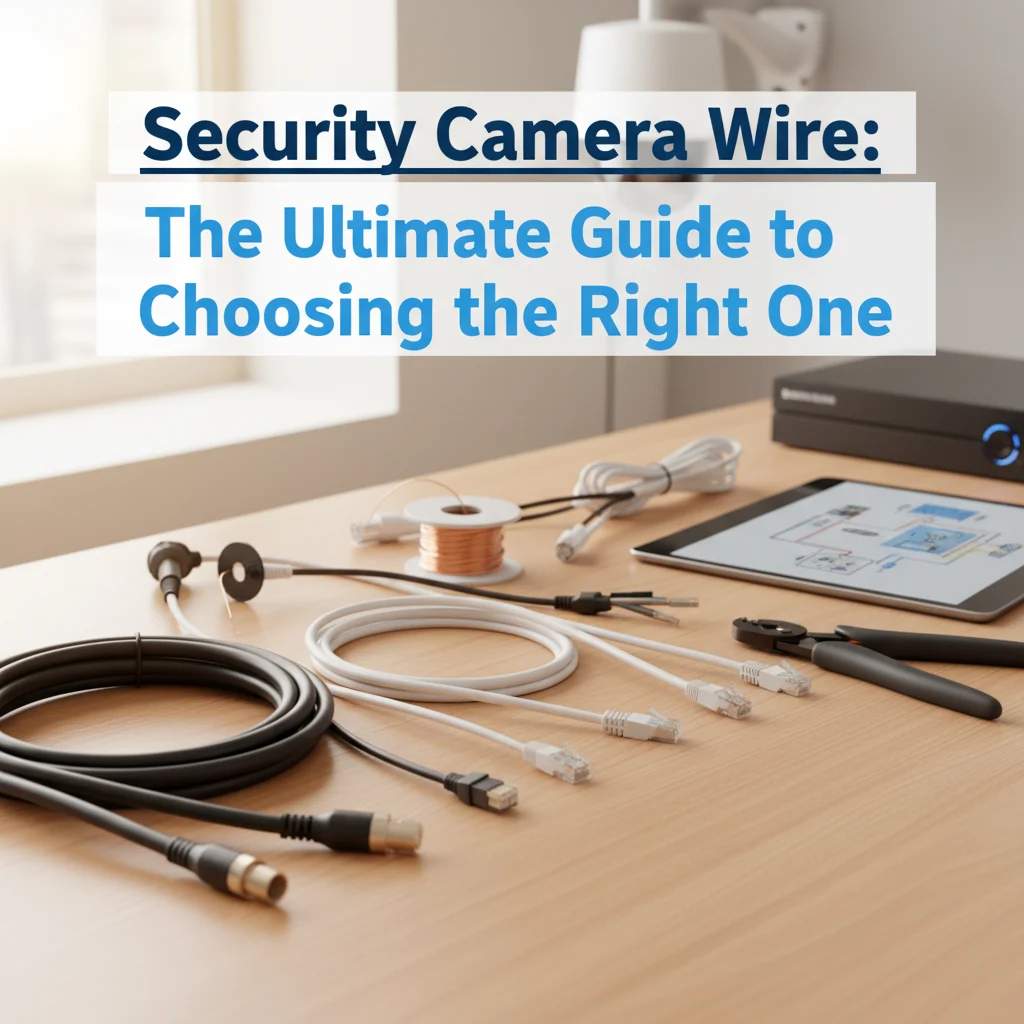
# Security Camera Wire: The Ultimate Guide to Choosing the Right One
Choosing the right security camera wire can feel like navigating a tangled mess of technical jargon and confusing options. But don’t worry, you’re not alone! This ultimate guide will untangle the confusion and equip you with the knowledge to select the perfect wire for your security camera system, ensuring crystal-clear video and reliable performance.
[Browse top-rated security camera wire on Amazon]
## Why the Right Security Camera Wire Matters
Think of your security camera wire as the lifeline of your surveillance system. It’s the conduit that carries power and video signals, and a weak or incompatible wire can lead to a host of problems, including:
* **Poor Video Quality:** Fuzziness, distortion, or even complete signal loss.
* **Interference:** Annoying static or lines in your video feed.
* **Power Issues:** Camera malfunction, flickering, or complete failure.
* **System Instability:** Frequent disconnects and unreliable performance.
* **Safety Hazards:** Overheating or even fire in extreme cases due to incorrect gauge or damaged insulation.
Simply put, skimping on the wire is like putting cheap tires on a high-performance car – you’re not getting the full potential of your investment.
[Browse top-rated security camera wire on Amazon]
## Understanding the Different Types of Security Camera Wire
Choosing the right security camera wire requires understanding the different types available and their specific applications. Let’s break down the most common options:
1. **Siamese Cable:** This is the workhorse of security camera wiring. It combines both power and video cables into a single jacket, making installation much easier and cleaner. Siamese cables typically consist of:
* **RG59 Coaxial Cable:** Used for transmitting the video signal. It offers good signal quality and is suitable for most analog and HD-over-coax security cameras.
* **18/2 Power Wire:** Consists of two 18-gauge wires for carrying power to the camera. The “18/2” designation means 18-gauge, 2-conductor.
Siamese cable is a great all-around choice for most wired security camera setups.
2. **Cat5e/Cat6 Ethernet Cable:** Primarily used for IP (Internet Protocol) cameras. These cables transmit both power (via PoE – Power over Ethernet) and data over a single cable.
* **Benefits:** Ethernet cables offer excellent data transfer speeds and are compatible with modern IP camera systems. PoE eliminates the need for separate power cables, simplifying installation.
* **Considerations:** Requires PoE-enabled network switches or injectors. Distance limitations exist (typically around 328 feet or 100 meters).
3. **RG59 Coaxial Cable (Standalone):** This cable is specifically for video transmission and is often used when you already have a separate power source near the camera.
* **Applications:** Upgrading existing systems where power is already in place. Connecting cameras to DVRs (Digital Video Recorders) or monitors.
* **Limitations:** Requires a separate power cable.
4. **RG6 Coaxial Cable:** Similar to RG59 but with a thicker center conductor and better shielding, resulting in improved signal quality, especially over longer distances.
* **Ideal For:** Long cable runs (over 500 feet) or environments with high levels of electromagnetic interference.
* **Drawbacks:** More expensive and less flexible than RG59.
[Browse top-rated security camera wire on Amazon]
## Key Factors to Consider When Choosing Security Camera Wire
Before you rush out and buy any old wire, consider these crucial factors:
1. **Camera Type:** Are you using analog, HD-over-coax, or IP cameras? This is the most important factor, as it dictates the type of cable you need.
* **Analog/HD-over-coax:** Typically use Siamese cable (RG59 with 18/2 power) or RG59 coaxial cable with separate power.
* **IP Cameras:** Use Cat5e or Cat6 Ethernet cable.
2. **Distance:** The length of the cable run significantly impacts signal quality. Longer distances require thicker gauge wires or cables with better shielding.
* **Short Runs (Under 100 feet):** RG59 or Cat5e are usually sufficient.
* **Medium Runs (100-500 feet):** RG59 or Cat6 are recommended.
* **Long Runs (Over 500 feet):** RG6 is generally the best choice for coaxial cable. For Ethernet, consider using a network extender or fiber optic cable.
3. **Power Requirements:** Check the voltage and amperage requirements of your security cameras. Ensure the power wire gauge is sufficient to handle the load over the distance.
* **Voltage Drop:** Longer cable runs can cause voltage drop, which can affect camera performance. Use a thicker gauge wire to minimize voltage drop.
4. **Environment:** Consider the environment where the wire will be installed.
* **Outdoor Use:** Choose UV-resistant and waterproof cables designed for outdoor applications. Direct burial cable is designed to be buried underground without conduit.
* **Indoor Use:** Standard indoor-rated cables are sufficient.
* **Harsh Environments:** Consider cables with extra shielding or protective jackets for environments with extreme temperatures, chemicals, or physical abrasion.
5. **Interference:** If you’re running cable near power lines or other sources of electromagnetic interference, choose shielded cables to minimize noise and signal degradation.
6. **Future-Proofing:** Even if your current cameras are standard definition, consider using higher-quality cables like RG6 or Cat6 to future-proof your system for potential upgrades to higher resolution cameras.
[Browse top-rated security camera wire on Amazon]
## Recommended Products and Tools for the Job
Okay, now that you understand the different types of wire and the factors to consider, let’s look at some specific product recommendations and essential tools:
### 1. Cable Matters UL Listed Cat6 Ethernet Cable
* **Why We Like It:** This Cat6 cable is a reliable and affordable choice for IP security cameras. It’s UL listed, ensuring safety and performance. The snagless design protects the RJ45 connectors during installation.
* **Key Features:**
* Cat6 Rated: Supports high-speed data transfer for clear video.
* UL Listed: Certified for safety and performance.
* Snagless Design: Protects connectors from damage.
* Available in Various Lengths: Choose the perfect length for your needs.
### 2. RG59 Siamese Cable with Power Wire – [Brand Name]
* **Why We Like It:** This is a high-quality Siamese cable that combines RG59 coaxial cable for video and 18/2 power wire. It’s easy to install and provides excellent signal quality for analog and HD-over-coax cameras.
* **Key Features:**
* RG59 Coaxial Cable: Provides good video signal quality.
* 18/2 Power Wire: Carries power to the camera.
* Combined Cable: Simplifies installation.
* Weatherproof: Suitable for outdoor use.
### 3. Klein Tools Cable Cutter
* **Why We Like It:** A good cable cutter is essential for cleanly cutting and preparing your security camera wire. This Klein Tools cutter is durable and provides clean, precise cuts.
* **Key Features:**
* Durable Construction: Built to last.
* Clean Cuts: Ensures proper cable termination.
* Comfortable Grip: Reduces hand fatigue.
### 4. Coaxial Cable Crimper Kit
* **Why We Like It:** If you’re using coaxial cable, you’ll need a crimper to attach the connectors. This kit includes everything you need to crimp F-connectors onto RG59 or RG6 cable.
* **Key Features:**
* Complete Kit: Includes crimper, connectors, and stripper.
* Easy to Use: Simple and straightforward crimping process.
* Durable Construction: Built to withstand frequent use.
### 5. Wire Stripper
* **Why We Like It:** A wire stripper is crucial for removing the outer jacket and insulation from your security camera wire without damaging the conductors.
* **Key Features:**
* Adjustable: Accommodates different wire gauges.
* Precise Stripping: Prevents damage to conductors.
* Ergonomic Design: Comfortable to use.
[Browse top-rated security camera wire on Amazon]
## Step-by-Step Guide to Installing Security Camera Wire
Okay, let’s get practical. Here’s a step-by-step guide to installing your security camera wire. **Always disconnect power before working with electrical wiring!**
### Step 1: Plan Your Route
Before you start running cable, carefully plan the route. Consider the following:
1. **Obstacles:** Identify any obstacles, such as walls, ceilings, or furniture.
2. **Conduit:** Determine if you need to use conduit to protect the cable.
3. **Distance:** Measure the distance between the camera and the recording device or power source.
4. **Aesthetics:** Consider how the cable will look and try to minimize its visibility.
### Step 2: Run the Cable
1. **Drilling:** If you need to drill holes, use the appropriate drill bit for the material you’re drilling through.
2. **Cable Management:** Use cable ties or staples to secure the cable and keep it organized.
3. **Avoid Sharp Bends:**
[Check the latest prices and deals for security camera wire on Amazon today!]