[Get the best value security camera wiring on Amazon today!]
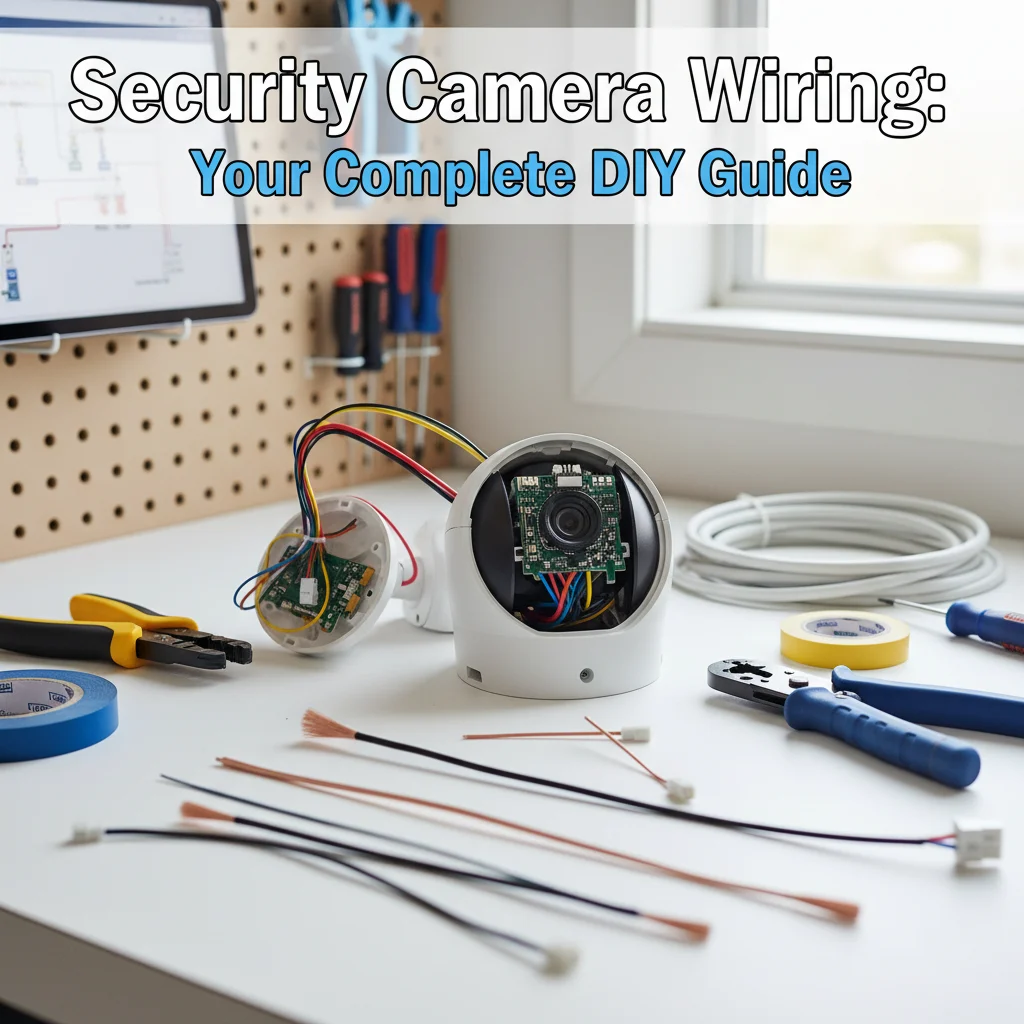
# Security Camera Wiring: Your Complete DIY Guide
So, you’re ready to take the plunge and install your own security cameras? Fantastic! You’re taking a proactive step in protecting your home or business. But let’s face it, the thought of *security camera wiring* can seem a little daunting. Don’t worry, this guide is here to demystify the process. I’ve been there, done that, and I’m going to walk you through everything you need to know to get your cameras up and running safely and effectively. Consider this your comprehensive, DIY-friendly guide to security camera wiring!
[Browse top-rated security camera wiring on Amazon]
## Step 1: Planning Your Security Camera Wiring Layout
Before you even pick up a single wire, a little planning goes a long way. This step is crucial for ensuring you have the right materials and a smooth installation process.
* **Determine Camera Placement:** Where do you want your cameras? Think about entry points, blind spots, and areas you want to monitor most closely. Sketch out a rough plan of your property and mark the desired locations.
* **Assess Power Source:** Where will your cameras get their power? Are you using wired cameras that require a direct power connection, or are you considering Power over Ethernet (PoE) cameras? Identify the closest power outlets or network switches.
* **Calculate Cable Length:** This is where that sketch comes in handy. Measure the distance from each camera location to its power source and/or network connection. Add a little extra length (at least a few feet) to each cable for slack and easier connections. It’s always better to have too much cable than not enough!
* **Choose Your Wiring Method:** Are you running wires inside walls, along baseboards, or outdoors? This will influence the type of cable and the installation techniques you’ll use.
[Browse top-rated security camera wiring on Amazon]
## Step 2: Gathering Your Security Camera Wiring Supplies
Now that you have a plan, it’s time to gather your supplies. Here’s a checklist of essential items:
* **Security Cameras:** Obviously! Choose cameras that meet your specific needs, considering resolution, night vision, and weather resistance.
* **Cables:**
* **Coaxial Cable (for analog cameras):** RG59 or RG6 are common choices. RG6 is generally better for longer distances.
* **Ethernet Cable (for IP cameras):** Cat5e or Cat6 are recommended. Cat6 offers better performance for higher bandwidth applications.
* **Power Cable (if needed):** If your cameras require separate power, choose a cable with the appropriate gauge for the distance and voltage.
* **Connectors:**
* **BNC Connectors (for coaxial cable):** These connect the cable to the camera and DVR.
* **RJ45 Connectors (for Ethernet cable):** These connect the cable to the camera and network switch/router.
* **Power Connectors (if needed):** Barrel connectors or other types specific to your camera’s power input.
* **Tools:**
* **Wire Strippers:** For removing the insulation from the cables.
* **Crimping Tool:** For attaching connectors to the cables.
* **Drill:** For drilling holes to run cables through walls or ceilings.
* **Fish Tape or Wire Puller:** For pulling cables through walls.
* **Screwdriver:** For mounting cameras and securing connections.
* **Voltage Tester:** To ensure power is off before working with electrical wiring.
* **Cable Tester:** To verify the integrity of your cable connections.
* **Mounting Hardware:** Screws, anchors, and brackets for securely mounting your cameras.
* **Electrical Tape:** For insulating and protecting connections.
* **Cable Clips or Ties:** For organizing and securing cables.
* **Safety Glasses and Gloves:** Protect your eyes and hands!
[Browse top-rated security camera wiring on Amazon]
## Step 3: Understanding Different Security Camera Wiring Types
Before you start cutting and connecting, it’s important to understand the different types of security camera wiring.
* **Analog Camera Wiring (Coaxial Cable):** Analog cameras transmit video signals over coaxial cable. This is an older technology, but it’s still used in some systems.
* **Pros:** Simple installation, relatively inexpensive.
* **Cons:** Lower resolution, limited range, susceptible to interference.
* **IP Camera Wiring (Ethernet Cable):** IP cameras transmit video signals digitally over Ethernet cable. This is the most common type of security camera wiring today.
* **Pros:** High resolution, long range, secure transmission, Power over Ethernet (PoE) capability.
* **Cons:** Can be more expensive than analog systems, requires network configuration.
* **Wireless Cameras:** While technically not “wiring,” wireless cameras connect to your network via Wi-Fi. They still require a power source.
* **Pros:** Easy installation, flexible placement.
* **Cons:** Susceptible to interference, security risks, relies on a stable Wi-Fi connection.
[Browse top-rated security camera wiring on Amazon]
## Step 4: Running Your Security Camera Wiring
This is where the real work begins! Here’s a step-by-step guide to running your security camera wiring:
1. **Turn Off the Power:** Before working with any electrical wiring, turn off the power at the circuit breaker. Use a voltage tester to confirm that the power is off.
2. **Drill Holes (if necessary):** If you need to run cables through walls or ceilings, drill holes large enough to accommodate the cables and connectors. Be careful not to drill into pipes or existing wiring.
3. **Run the Cables:** Use fish tape or a wire puller to pull the cables through the walls or ceilings. Secure the cables with cable clips or ties to keep them organized and prevent them from dangling.
4. **Install Connectors:** Use wire strippers to remove the insulation from the ends of the cables. Attach the appropriate connectors (BNC, RJ45, or power connectors) using a crimping tool.
5. **Test the Connections:** Use a cable tester to verify the integrity of your cable connections.
### Tools for the Job: Klein Tools VDV226-107 Wire Stripper / Cutter & Cable Matters RJ45 Crimp Tool
Making clean, reliable connections is paramount for clear video feeds. That’s why I always recommend the **Klein Tools VDV226-107 Wire Stripper / Cutter** for coaxial and network cables. Its precision blades ensure you’re not nicking the conductor, which can degrade signal quality. And for RJ45 connectors, the **Cable Matters RJ45 Crimp Tool** is a lifesaver. It provides a consistent, solid crimp every time, meaning fewer headaches down the road with loose connections.
* **Klein Tools VDV226-107 Wire Stripper / Cutter Key Features:**
* Adjustable blades for different cable types.
* Consistent and precise stripping.
* Built-in cutter for convenience.
* **Why We Like It:** It’s durable, easy to use, and prevents damage to the cable.
* **Cable Matters RJ45 Crimp Tool Key Features:**
* Ratcheting mechanism for consistent crimping.
* Built-in cable cutter and stripper.
* Compatible with various RJ45 connectors.
* **Why We Like It:** It creates a strong, reliable connection, reducing the risk of signal loss or intermittent issues.
[Browse top-rated security camera wiring on Amazon]
## Step 5: Connecting Your Security Cameras
Now that the wiring is in place, it’s time to connect your security cameras.
1. **Mount the Cameras:** Securely mount the cameras using the appropriate mounting hardware.
2. **Connect the Cables:** Connect the cables to the cameras and the recording device (DVR or NVR) or network switch.
3. **Power On the System:** Turn on the power at the circuit breaker.
4. **Configure the Cameras:** Follow the manufacturer’s instructions to configure the cameras and set up recording schedules.
[Browse top-rated security camera wiring on Amazon]
## Step 6: Testing and Troubleshooting
Once everything is connected, it’s important to test the system and troubleshoot any issues.
* **Verify Video Feed:** Check the video feed from each camera to ensure that it’s clear and stable.
* **Adjust Camera Angles:** Adjust the camera angles to ensure that you’re capturing the desired areas.
* **Check Recording Schedules:** Verify that the cameras are recording according to your desired schedules.
* **Troubleshoot Issues:** If you encounter any issues, such as blurry video, signal loss, or connectivity problems, consult the manufacturer’s documentation or contact technical support.
[Browse top-rated security camera wiring on Amazon]
## Pro-Tips / FAQ Section
* **Can I use existing wiring for my security cameras?** It depends. If you have existing coaxial cable, you can use it for analog cameras. However, it’s generally not recommended to use existing power wiring for security cameras.
* **How do I protect my security camera wiring from the elements?** Use weatherproof enclosures and connectors to protect your wiring from rain, snow, and sun.
* **What’s the best way to hide security camera wiring?** Run the cables inside walls or ceilings, or use cable concealers to hide them along baseboards or trim.
* **How do I ground my security camera system?** Grounding your system can help protect it from electrical surges. Consult a qualified electrician for assistance.
* **What is Power over Ethernet (PoE)?** PoE allows
[Check the latest prices and deals for security camera wiring on Amazon today!]

![24 Port Switch: The Ultimate Buying Guide [2026]](https://www.bestlightweightcameras.com/wp-content/uploads/2026/03/24-port-switch-the-ultimate-buying-guide-2026-150x150.webp)