[Get the best value wire for security camera on Amazon today!]
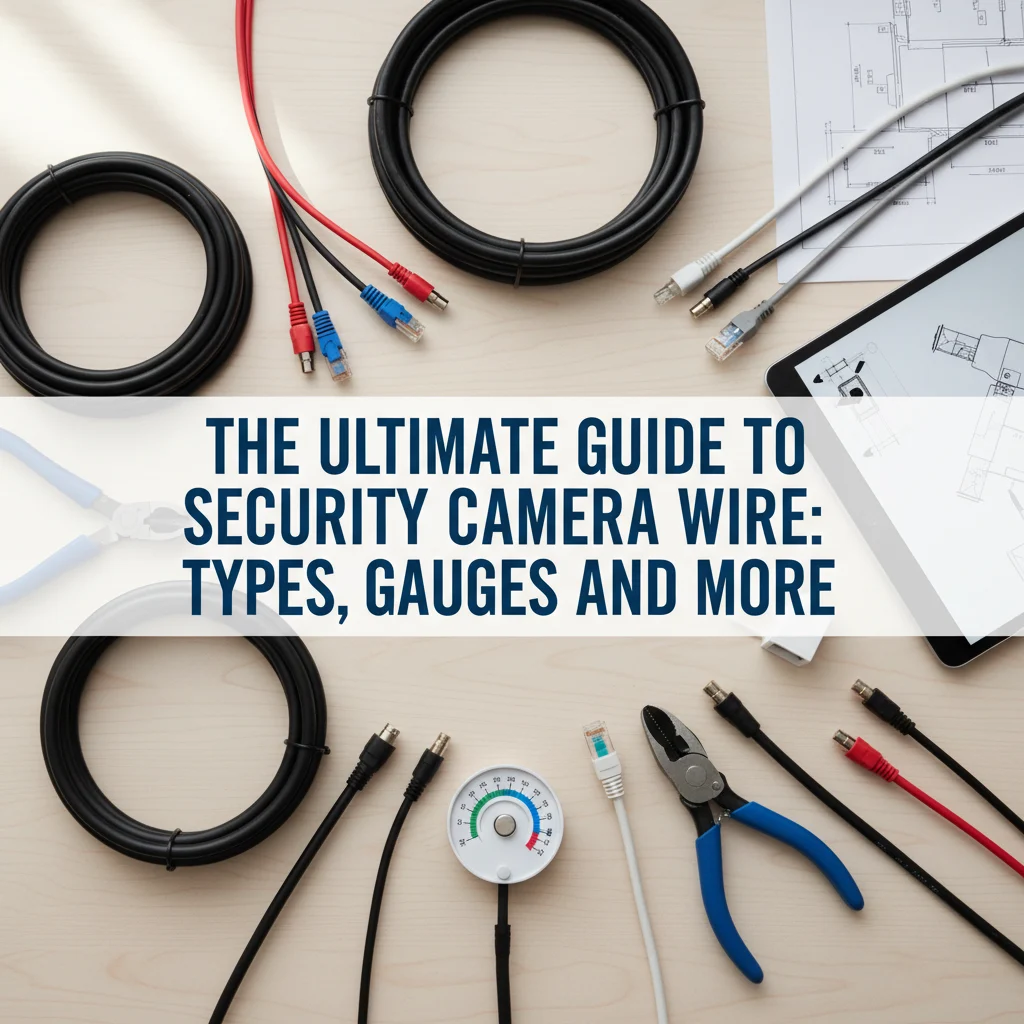
# The Ultimate Guide to Security Camera Wire: Types, Gauges, and More
Are you setting up a security camera system and feeling overwhelmed by the choices of wire? Don’t worry, you’re not alone! Choosing the right wire for your security cameras is crucial for a reliable and high-quality video feed. This guide will break down everything you need to know about security camera wire, from the different types and gauges to important considerations for your specific setup. By the end, you’ll be confident in selecting the perfect wire to keep your property safe and secure.
[Browse top-rated wire for security camera on Amazon]
## Understanding the Basics of Security Camera Wire
Choosing the right wire for your security camera system is more than just grabbing any old cable. It’s about ensuring a stable power supply, a clear video signal, and a long-lasting, reliable connection. Let’s dive into the fundamental aspects you need to understand:
### Types of Security Camera Wire
Several types of wire are commonly used with security cameras, each with its own pros and cons:
* **Siamese Cable (RG59):** This is a popular choice for analog CCTV systems. It combines a coaxial cable (for video signal) and a power cable into one convenient package. This makes installation simpler, as you only need to run one cable to each camera.
* **CAT5/CAT6 Ethernet Cable:** These cables are the standard for IP (Internet Protocol) cameras. They transmit both power and data over a single cable, using a technology called Power over Ethernet (PoE). CAT6 offers better performance and bandwidth than CAT5, especially for higher-resolution cameras.
* **Coaxial Cable (RG6):** While RG59 is more common for CCTV, RG6 can be used for longer distances and offers better signal quality. It’s often used for connecting cameras to a DVR (Digital Video Recorder).
* **Power Cable (18/2 or 22/2):** This is simple two-conductor wire used for powering cameras separately. You might use this if you’re not using PoE or Siamese cable.
### Gauges of Security Camera Wire
The gauge of a wire refers to its thickness. A lower gauge number indicates a thicker wire. The correct gauge is crucial for carrying the necessary current over the required distance without significant voltage drop.
* **18 Gauge:** A common choice for shorter runs (under 100 feet) when using 12V DC power.
* **16 Gauge:** A slightly thicker option that can handle longer runs or higher current demands.
* **14 Gauge:** Used for even longer runs or when powering multiple cameras from a single power supply.
* **22 Gauge:** Often found in Siamese cables for the power portion, suitable for shorter distances and lower power cameras.
**Important Note:** Always consult your camera’s specifications to determine its power requirements and the recommended wire gauge.
[Browse top-rated wire for security camera on Amazon]
## Choosing the Right Wire for Your Security Camera
Now that you understand the basics, let’s get into the specifics of choosing the right wire for your security camera system. Here’s a breakdown of the key considerations:
### 1. Camera Type: IP vs. Analog (CCTV)
The type of camera you’re using is the primary factor determining the type of wire you’ll need:
* **IP Cameras:** These cameras transmit video data over a network. They almost always use CAT5 or CAT6 Ethernet cable, especially if you’re utilizing PoE.
* **Analog (CCTV) Cameras:** These cameras transmit video signals using coaxial cable. Siamese cable (RG59) is a popular and convenient choice.
### 2. Power Requirements: Voltage and Amperage
Each camera has specific power requirements, typically listed on the camera’s power adapter or in the product specifications. Pay attention to both the voltage (e.g., 12V DC, 24V AC, 48V PoE) and the amperage (e.g., 0.5A, 1A, 2A).
* **Voltage Drop:** This is the reduction in voltage that occurs as electricity travels through a wire. Longer wire runs and thinner gauges increase voltage drop. If the voltage reaching your camera is too low, it may not function correctly.
* **Power over Ethernet (PoE):** If you’re using PoE, your IP camera will receive both power and data through the Ethernet cable. Ensure your PoE switch or injector provides enough power per port to meet the camera’s requirements.
### 3. Distance: How Far Will the Wire Run?
The distance between your camera and the power source or DVR/NVR is a critical factor in choosing the correct wire gauge. Longer distances require thicker wires (lower gauge numbers) to minimize voltage drop and signal degradation.
* **Voltage Drop Calculators:** Use online voltage drop calculators to determine the appropriate wire gauge for your specific setup. These calculators take into account the voltage, amperage, distance, and wire material (copper or aluminum).
* **Rule of Thumb:** As a general guideline, for 12V DC systems, use 18 gauge wire for runs up to 50 feet, 16 gauge for runs up to 100 feet, and 14 gauge for longer distances. For PoE, CAT5e or CAT6 is typically sufficient for distances up to 328 feet (100 meters).
### 4. Environment: Indoor vs. Outdoor
The environment where the wire will be installed also plays a role in your selection:
* **Indoor:** Standard PVC-jacketed wire is typically sufficient for indoor applications.
* **Outdoor:** Use UV-resistant and waterproof wire for outdoor installations. This will protect the wire from sun damage, moisture, and extreme temperatures. Direct burial cable is designed to be buried underground without conduit.
### 5. Interference: Shielding and Grounding
Electrical interference can degrade the video signal, resulting in a noisy or distorted image.
* **Shielded Cable:** Use shielded cable (e.g., RG6 with a solid copper core and multiple layers of shielding) in areas with high levels of electromagnetic interference (EMI), such as near power lines or electrical equipment.
* **Grounding:** Properly ground your security camera system to prevent electrical surges and reduce interference. Consult a qualified electrician for grounding recommendations.
[Browse top-rated wire for security camera on Amazon]
## Recommended Products for Your Security Camera Wiring Needs
Here are a few recommended products from Amazon that can help you get your security camera wiring project done right:
1. **Siamese Cable (RG59 with Power):**
* **Product:** [Generic Brand] 50ft RG59 Siamese Cable
* **Best For:** Analog CCTV camera systems, shorter distances.
* **Key Features:** Combines video and power, easy to install, pre-terminated BNC connectors.
* **Why We Like It:** Simplifies installation by running both power and video in a single cable. Ideal for basic CCTV setups.
2. **CAT6 Ethernet Cable (PoE Ready):**
* **Product:** [Generic Brand] 100ft CAT6 Ethernet Cable
* **Best For:** IP cameras, PoE applications, high-resolution video.
* **Key Features:** Supports Gigabit Ethernet, PoE compatible, snagless design.
* **Why We Like It:** Provides reliable data and power transmission for IP cameras using PoE. CAT6 ensures sufficient bandwidth for demanding applications.
3. **Power Cable (18/2):**
* **Product:** [Generic Brand] 100ft 18/2 Stranded Power Wire
* **Best For:** Powering cameras separately, shorter distances.
* **Key Features:** Stranded copper wire, PVC insulation, easy to strip and connect.
* **Why We Like It:** A basic and reliable option for powering cameras when PoE or Siamese cable isn’t used.
[Browse top-rated wire for security camera on Amazon]
## Step-by-Step Guide to Wiring Your Security Cameras
Here’s a general guide to wiring your security cameras. Always consult the manufacturer’s instructions for your specific equipment.
### Tools for the Job
* Wire strippers
* Crimping tool (for BNC or RJ45 connectors)
* Multimeter
* Cable tester
* Screwdrivers
* Drill (if needed for mounting)
* Zip ties or cable clips
### Step 1: Plan Your Wiring Route
Before you start, plan the route for your cables. Avoid running cables near high-voltage wires or sources of interference. Use conduit or cable trays to protect the wires and keep them organized.
### Step 2: Connect the Wires
* **Siamese Cable (CCTV):** Connect the BNC connector to the camera’s video input and the other end to the DVR. Connect the power wires to the camera’s power input and the power supply.
* **CAT5/CAT6 (IP Cameras):** Connect the RJ45 connector to the camera’s Ethernet port and the other end to a PoE switch or injector.
* **Separate Power Cable:** Connect the power wires to the camera’s power input and the power supply. Ensure the polarity is correct (positive to positive, negative to negative).
### Step 3: Test the Connections
Use a multimeter to check the voltage at the camera’s power input. Use a cable tester to verify the continuity and correct wiring of Ethernet cables.
### Step 4: Secure the Cables
Use zip ties or cable clips to secure the cables along the planned route. Avoid creating sharp bends in the cables, as this can damage the wires.
[Check the latest prices and deals for wire for security camera on Amazon today!]